Image: Component
On-the-fly image transforms on Bun.Image, served from an encrypted, stale-while-revalidate disk cache. Transforms are declared once as named sizes in Mochi.serve(); <Image> and getImageUrl() only mint a signed URL, and the endpoint runs the size lazily — so SSR never blocks on image work.
Component
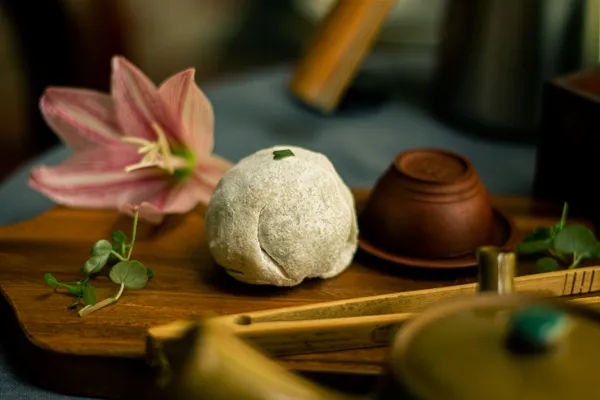
A plain <Image> references a named size (declared in image.sizes) and renders a single <img> with no client JS. Minting is synchronous
— no image is fetched or resized during SSR:
<Image src={photo} size="hero" alt="A resized photo" />Local image imports
Import a local image Vite-style and get back { src, width, height, format }. Pass the object straight to <Image> (transforms and placeholder work as usual), or drop hero.src into a plain <img>. The file is served from a content-hashed URL and read from disk
for transforms — no network fetch:
import hero from './hero.jpg';
// hero → { src, width, height, format }
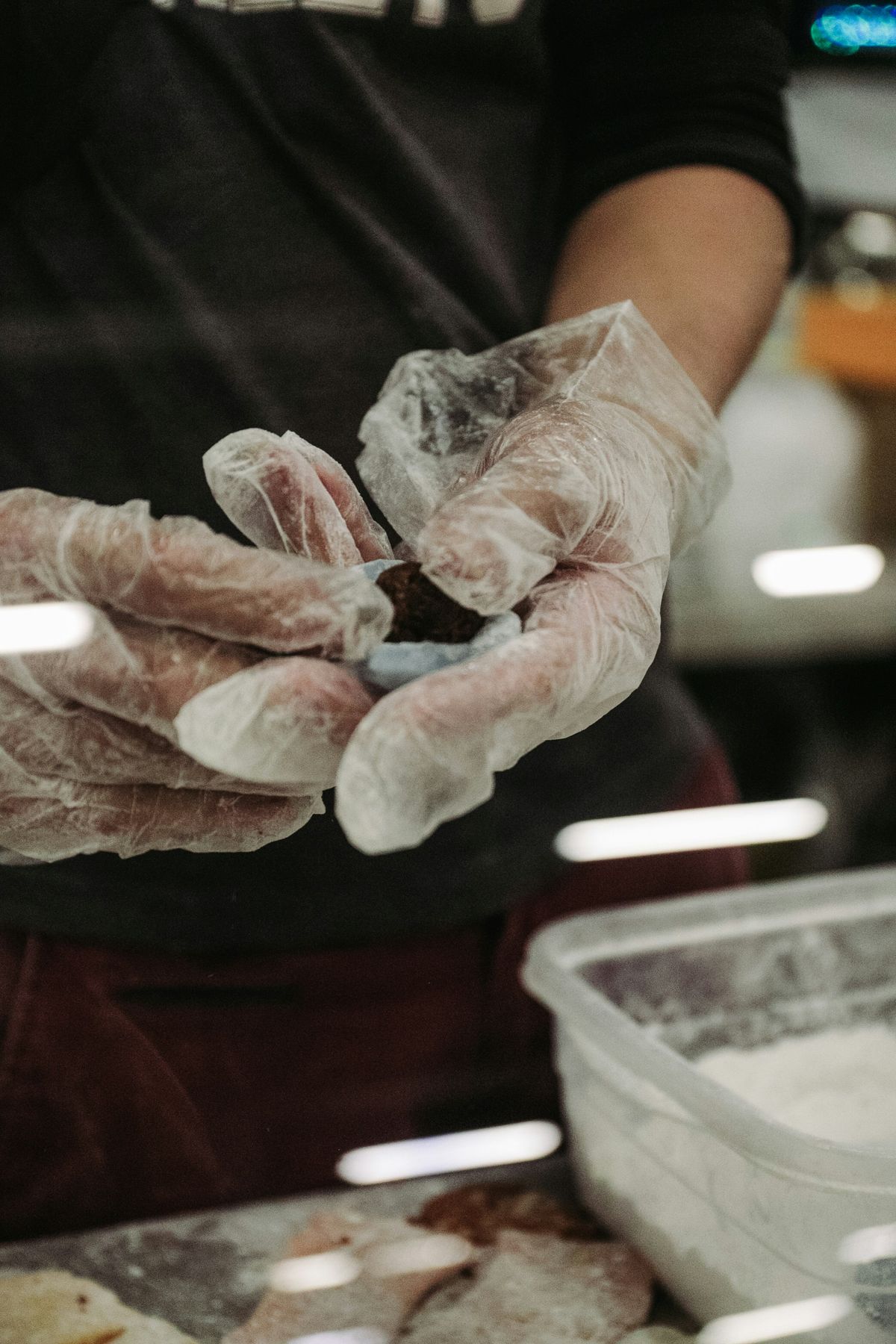
<Image src={hero} size="hero" alt="A local image" />A bare <Image src={hero}> with no size renders the original at its intrinsic dimensions (1200×1800), straight from the static URL:
<Image src={hero} alt="At natural size" />Or use hero.src directly — it's a real URL (/_mochi/asset/hero-2jdvm9r79nlnd.jpg):
<img src={hero.src} width={hero.width} height={hero.height} alt="" />With a blur placeholder
Add placeholder to show a ThumbHash blur behind the image — it's the <img>'s own background-image, so no client JS is needed. The
blur is computed in the background on first use (never blocking SSR), so it appears from the second render onward:
<Image src={photo} size="hero" placeholder alt="A resized photo" />Inside a hydrated island
<Image> also works inside a mochi:hydrate island: the server-minted URL is serialized into the page (via Svelte's hydratable) and reused during hydration, so the browser never needs the encryption secret. The button is live client-side state:

<ImageIslandCard mochi:hydrate src={photo} />Programmatic
getImageUrl(src, 'square') returns the same encrypted URL you can use anywhere:
/_mochi/image/mochi-1-square.webp?p=JcnFsIizyw8pUdCAXkb9jX1Y1PpLIwvgB8_EeHKOz6hezNE4pzNJ2zR5F9cDEcwv_JgDJkuWBoAijVWjMQXSqIsa7DF3ge_2X-XFCxlYRHBC5s4qtQ
const url = getImageUrl(src, 'square');The square size uses fit: 'inside', which preserves aspect ratio and fits within the 400×400 box — so this 3:2 photo becomes
400×267. Set fit: 'fill' on the size to force an exact square (stretching); Bun.Image has no crop/cover mode.
Full-size original
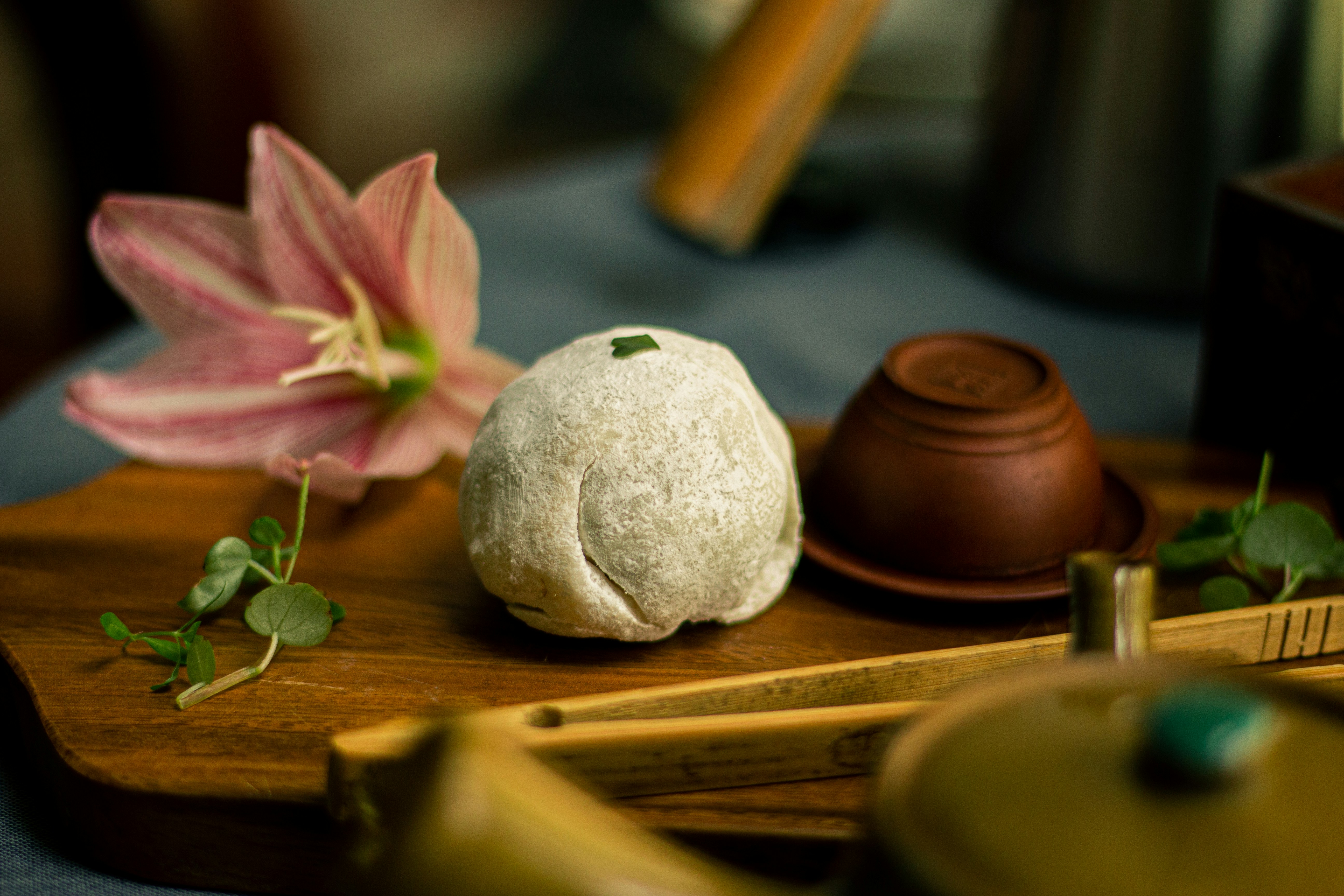
getImageUrl(src) with no size name returns a URL for the un-resized original — fetched once and shared, so every variant above reuses this one cached download:
/_mochi/image/mochi-1-original.jpg?p=y80nH62PY18r0pGqd1bY2DjoWRqeIw8UyaW7FWkhKprZ_Kc-lSSi3o9v3p3s92gHXYjhFdI2VzgFuRV4EAkvfKYH4-n9wfezCeuLorBi
const url = getImageUrl(src); // no size name → the originalGallery
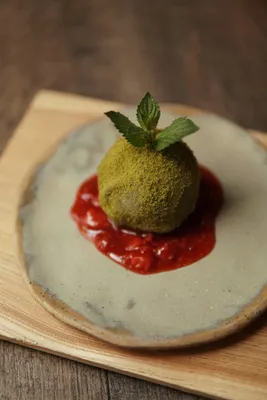
Fourteen source photos, each rendered through the square size with a placeholder blur-up — all server-rendered, zero client JS:
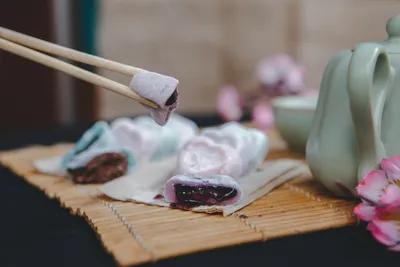
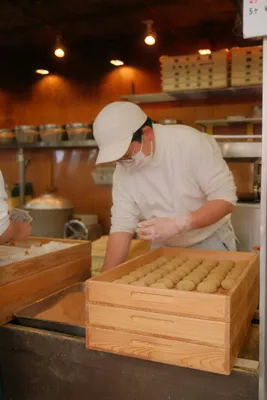
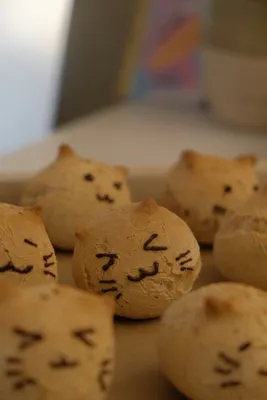
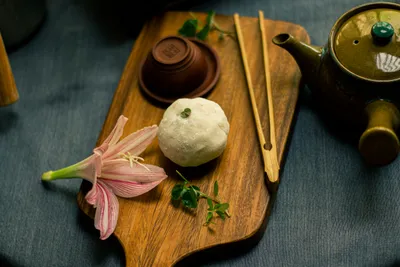

{#each gallery as src (src)}
  <Image {src} size="square" placeholder alt="Photo" />
{/each}
Photos by Minh Anh Nguyen, Andreas Haubold, blackieshoot, Amanda Lim, Negar Mz, Vi Tran, Hamada, Lea Ren and Yuliia Kucherenko on Unsplash.
<script>
import CodeSnippet from '../../components/CodeSnippet.svelte';
import ImageCredits from '../../components/ImageCredits.svelte';
import Callout from '../../../../docs/_components/Callout.svelte';
import ImageIslandCard from './ImageIslandCard.svelte';
import { Image } from 'mochi-framework/image';
import { getImageUrl, getImagePlaceholder } from 'mochi-framework';
import { highlightCode } from '../../lib/highlight.server';
import ArrowDown from '@lucide/svelte/icons/arrow-down';
import hero from './hero.jpg';
const remote = 'https://sta-public.fra1.cdn.digitaloceanspaces.com/mochi/mochi-1.jpg';
const gallery = Array.from({ length: 14 }, (_, i) => `https://sta-public.fra1.cdn.digitaloceanspaces.com/mochi/mochi-${i + 1}.jpg`);
// Near-instant: mints a signed URL for the "square" size; no fetch/resize
// happens here — the endpoint runs it lazily on the browser's request.
const directUrl = getImageUrl(remote, 'square');
// No size name → a URL for the un-resized original (shared by every variant).
const originalUrl = getImageUrl(remote);
const blur = await getImagePlaceholder(remote);
// Syntax highlighting is server-side, so these are computed once during SSR.
const svelte = (code) => highlightCode(code, 'svelte');
const ts = (code) => highlightCode(code, 'typescript');
const codeComponent = await svelte('<Image src={photo} size="hero" alt="A resized photo" />');
const codePlaceholder = await svelte('<Image src={photo} size="hero" placeholder alt="A resized photo" />');
const codeIsland = await svelte('<ImageIslandCard mochi:hydrate src={photo} />');
const codeProgrammatic = await ts("const url = getImageUrl(src, 'square');");
const codeOriginal = await ts('const url = getImageUrl(src); // no size name → the original');
const codeGallery = await svelte('{#each gallery as src (src)}\n <Image {src} size="square" placeholder alt="Photo" />\n{/each}');
const codeLocalImport = await ts("import hero from './hero.jpg';\n// hero → { src, width, height, format }");
const codeLocalUsage = await svelte('<Image src={hero} size="hero" alt="A local image" />');
const codeLocalBare = await svelte('<Image src={hero} alt="At natural size" />');
const codeLocalImg = await svelte('<img src={hero.src} width={hero.width} height={hero.height} alt="" />');
</script>
<h3>Component</h3>
<p>
A plain <code><Image></code> references a named size (declared in <code>image.sizes</code>) and renders a single <code><img></code> with no client JS. Minting is synchronous
— no image is fetched or resized during SSR:
</p>
<div class="frame">
<Image src={remote} size="hero" alt="A resized random photo" />
</div>
<CodeSnippet html={codeComponent} />
<h3>Local image imports</h3>
<p>
Import a local image Vite-style and get back <code>{'{ src, width, height, format }'}</code>. Pass the object straight to <code><Image></code> (transforms and
<code>placeholder</code> work as usual), or drop <code>hero.src</code> into a plain <code><img></code>. The file is served from a content-hashed URL and read from disk
for transforms — no network fetch:
</p>
<CodeSnippet html={codeLocalImport} />
<div class="frame">
<Image src={hero} size="hero" alt="A locally-imported photo, resized" />
</div>
<CodeSnippet html={codeLocalUsage} />
<p>
A bare <code><Image src={'{hero}'}></code> with no size renders the original at its intrinsic dimensions ({hero.width}×{hero.height}), straight from the static URL:
</p>
<div class="frame">
<Image src={hero} alt="Local image at natural size" />
</div>
<CodeSnippet html={codeLocalBare} />
<p>Or use <code>hero.src</code> directly — it's a real URL (<code>{hero.src}</code>):</p>
<div class="frame">
<img src={hero.src} width="300" alt="Via hero.src in a plain img" />
</div>
<CodeSnippet html={codeLocalImg} />
<h3>With a blur placeholder</h3>
<p>
Add <code>placeholder</code> to show a ThumbHash blur behind the image — it's the <code><img></code>'s own <code>background-image</code>, so no client JS is needed. The
blur is computed in the background on first use (never blocking SSR), so it appears from the second render onward:
</p>
{#if blur}
<div class="frame blur-compare">
<span class="blur-compare__placeholder" style:background-image="url({blur})" role="img" aria-label="ThumbHash blur placeholder"></span>
<span class="blur-compare__arrow"><ArrowDown size={28} aria-hidden="true" /></span>
<Image src={remote} size="hero" placeholder alt="A resized random photo with blur-up" />
</div>
{:else}
<div class="frame">
<Image src={remote} size="hero" alt="A resized random photo with blur-up" placeholder />
</div>
{/if}
<CodeSnippet html={codePlaceholder} />
<h3>Inside a hydrated island</h3>
<p>
<code><Image></code> also works inside a <code>mochi:hydrate</code> island: the server-minted URL is serialized into the page (via Svelte's
<code>hydratable</code>) and reused during hydration, so the browser never needs the encryption secret. The button is live client-side state:
</p>
<div class="frame">
<ImageIslandCard mochi:hydrate src={remote} />
</div>
<CodeSnippet html={codeIsland} />
<Callout type="warning">
Props passed to a hydrated island — like this card's <code>src</code> — are serialized in plain text into the page for hydration, so the source URL is visible to the client
here. If your origin must stay secret, keep <code><Image></code> in server-rendered markup or a server island, whose props are encrypted.
</Callout>
<h3>Programmatic</h3>
<p><code>getImageUrl(src, 'square')</code> returns the same encrypted URL you can use anywhere:</p>
<pre class="url">{directUrl}</pre>
<div class="frame">
<img src={directUrl} width="400" alt="Resized via getImageUrl()" />
</div>
<CodeSnippet html={codeProgrammatic} />
<p class="note">
The <code>square</code> size uses <code>fit: 'inside'</code>, which preserves aspect ratio and fits <em>within</em> the 400×400 box — so this 3:2 photo becomes
400×267. Set <code>fit: 'fill'</code> on the size to force an exact square (stretching); <code>Bun.Image</code> has no crop/cover mode.
</p>
<h3>Full-size original</h3>
<p>
<code>getImageUrl(src)</code> with no size name returns a URL for the un-resized original — fetched once and shared, so every variant above reuses this one cached download:
</p>
<pre class="url">{originalUrl}</pre>
<div class="frame">
<img src={originalUrl} width="400" alt="Full-size original via getImageUrl()" />
</div>
<CodeSnippet html={codeOriginal} />
<h3>Gallery</h3>
<p>
Fourteen source photos, each rendered through the <code>square</code> size with a <code>placeholder</code> blur-up — all server-rendered, zero client JS:
</p>
<div class="grid">
{#each gallery as src, i (src)}
<Image {src} size="square" placeholder alt="Gallery photo {i + 1}" class="grid__img" />
{/each}
</div>
<CodeSnippet html={codeGallery} />
<ImageCredits />
Styles
<style>
  h3 {
    margin-top: 1.5rem;
  }
  .frame {
    display: flex;
    justify-content: center;
    margin: 1rem 0;
  }
  .frame :global(img) {
    max-width: 100%;
    height: auto;
    border-radius: var(--radius-md);
  }
  .grid {
    display: grid;
    grid-template-columns: repeat(auto-fill, minmax(140px, 1fr));
    gap: 0.5rem;
    margin: 1rem 0;
  }
  .grid :global(.grid__img) {
    width: 100%;
    aspect-ratio: 1 / 1;
    height: auto;
    object-fit: cover;
    display: block;
    border-radius: var(--radius-md);
  }
  .blur-compare {
    flex-direction: column;
    align-items: center;
    gap: 0.5rem;
  }
  .blur-compare__placeholder {
    width: 600px;
    max-width: 100%;
    aspect-ratio: 3 / 2;
    background-size: cover;
    background-position: center;
    border-radius: var(--radius-md);
  }
  .blur-compare__arrow {
    color: var(--text-muted, #888);
    line-height: 0;
  }
  /* The global `pre` style supplies the dark code background/text; only the
     size differs here — overriding the background alone would strand the
     light code text on a light surface. */
  .url {
    font-size: 0.8rem;
  }
  .note {
    margin-top: 0.5rem;
    font-size: 0.85rem;
    color: var(--text-muted, #888);
  }
</style>
More demos